
How to track progressive overload.
Progressive overload is the engine of strength and muscle gain. Tracking it well is the difference between months of progress and months of running on the same treadmill. Here's the practical version.
Record three signals
Top working weight, total reps at that weight, and total session volume. If any of the three trended up, you overloaded.
Compare windows, not sessions
Don't compare today to yesterday. Compare this 4-week block to the previous one. Day-to-day noise hides the real trend.
Beware the silent regression
Same weight, fewer reps, longer rests = you went backwards. A tracker catches this; memory does not.
Step 1 — Log every working set
Warm-ups are optional; working sets are not. The minimum viable log is exercise + weight + reps for every working set. That's the dataset progressive overload tracking is built on.
If logging hurts, you won't do it. Pick a tool — PRUV, a spreadsheet, a paper notebook — that you can update in under 10 seconds between sets. Friction is the enemy of consistency.
Step 2 — Look for any of three signals
Overload is usually framed as "add weight to the bar". That's one of three valid signals. The full set: more weight at the same reps, more reps at the same weight, or more total volume (weight × reps × sets) at the same intensity.
Any one of those moving in the right direction is overload. Tracking only weight makes you blind to the other two — and you'll think you're stuck when you're actually progressing.
Step 3 — Review weekly, decide every 4–6 weeks
Check the trend weekly so problems surface early. Make programming decisions every 4–6 weeks — that's a long enough window to see signal through the noise of bad sleep, missed meals and stressful weeks.
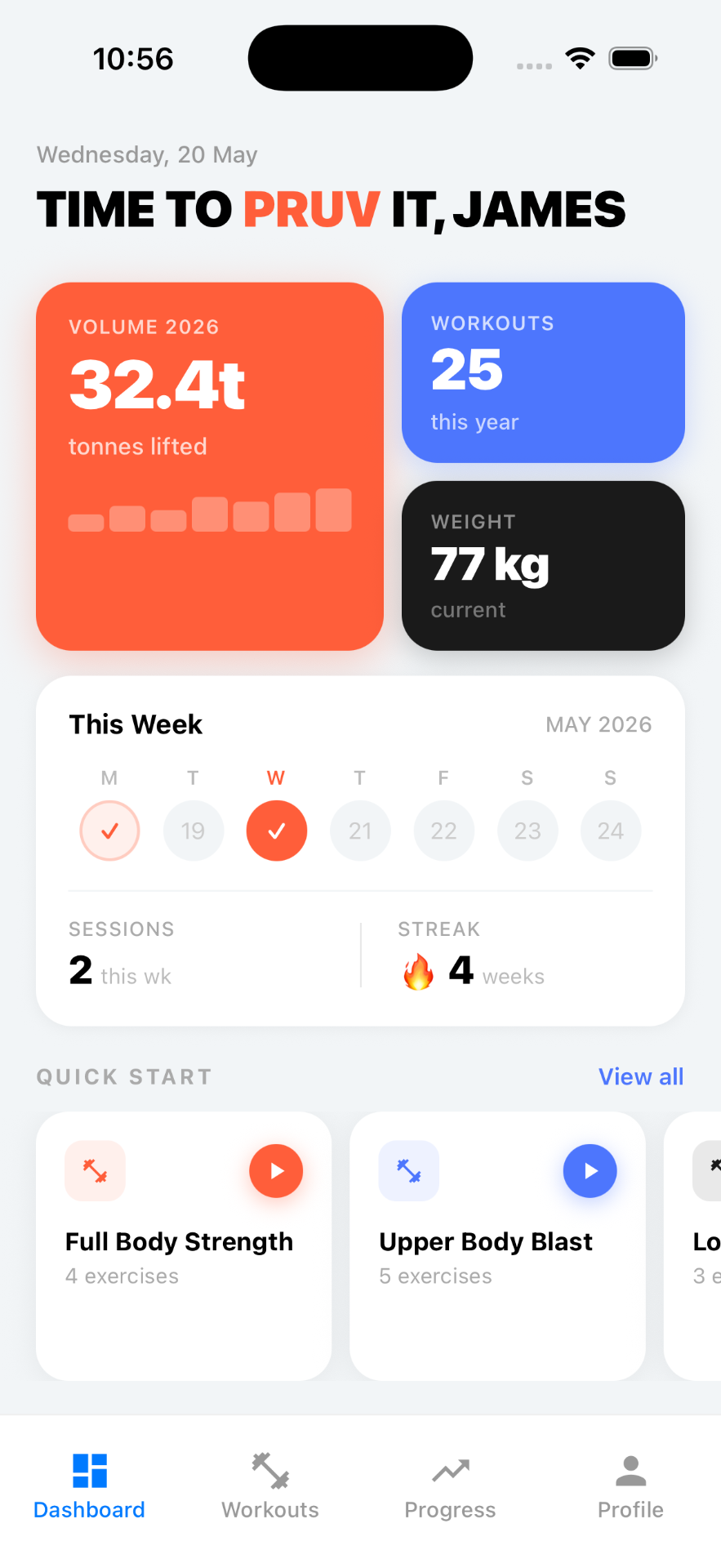
PRUV automates the per-lift comparison: open a movement and you'll see whether your last block was heavier, higher-rep, higher-volume — or stuck.
Frequently asked
How often should I check progressive overload?
Weekly is usually enough. Within a single session you can chase a PR, but the meaningful trend lives over 4–12 week blocks.
What if my weight doesn't go up?
Overload doesn't have to be weight. An extra clean rep at the same weight, a tighter rest period, or an additional working set all count — PRUV tracks all three signals.
Is more overload always better?
No. Overload that outpaces recovery becomes overreaching and eventually overtraining. A good tracker like PRUV helps you see the trend so you can deload at the right time, not after a tweak.
Stop guessing.
Track the overload.
Join the waitlist and let PRUV do the tracking for you.
By submitting your email you agree to receive launch updates from PRUV. Unsubscribe at any time.
Follow us on Instagram @pruvapp