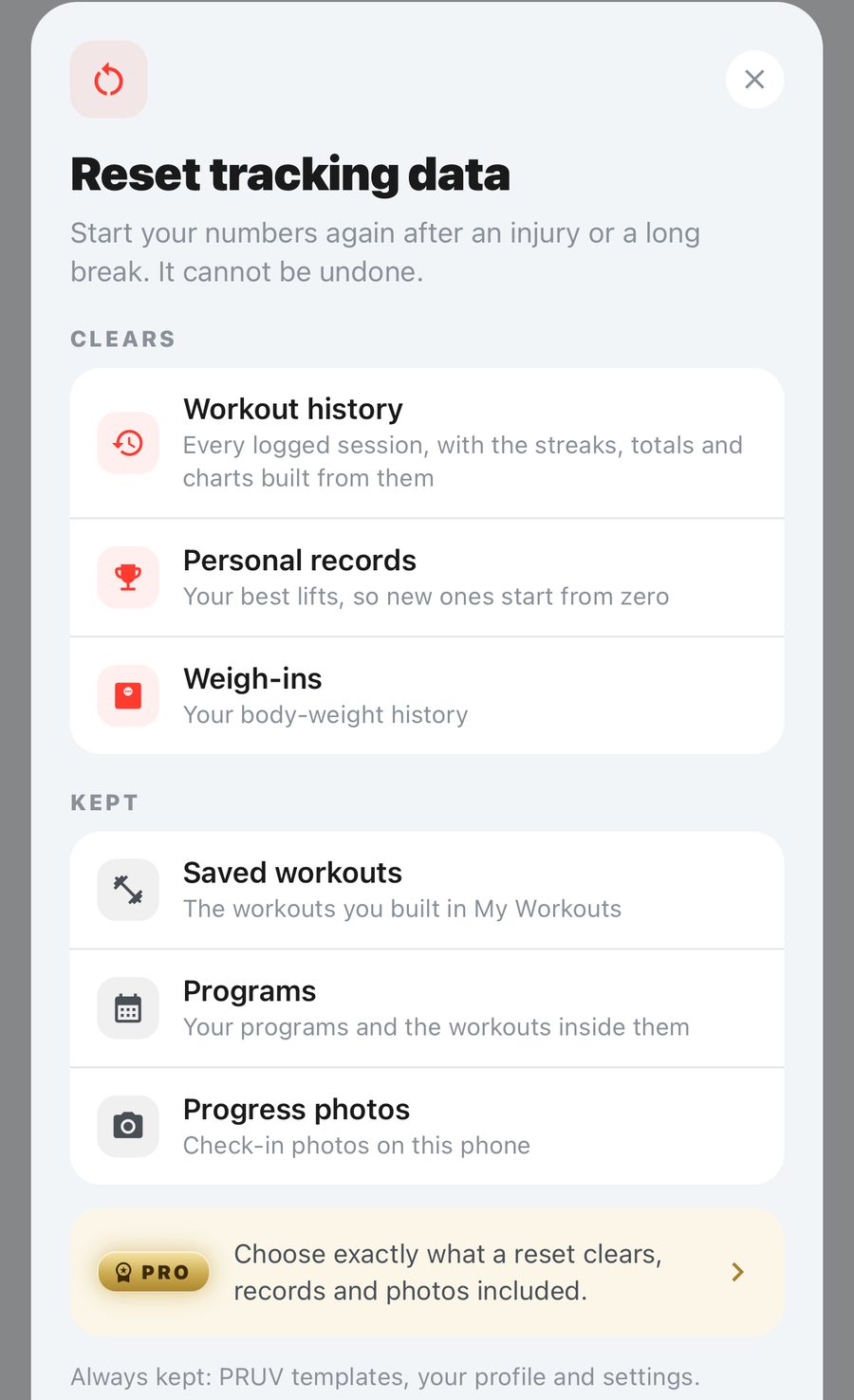
Reset tracking data
For starting your numbers again after an injury or a long break. It cannot be undone.
Profile → Settings → Reset tracking data.
On the free plan, a reset:
- Clears: workout history, personal records and weigh-ins. Streaks, totals and charts start again with them.
- Keeps: your saved workouts, programs and progress photos.
With PRUV Pro, you tick exactly what goes, including saved workouts, programs and photos if you want a truly clean slate.
Always kept: PRUV templates, your profile and your settings.
Type reset to confirm. A reset needs a connection.
Want to delete your account instead? That is separate, free, and at the very end of Settings.