Create a workout
A workout is a routine you can start again and again: a list of exercises, with optional targets and notes.
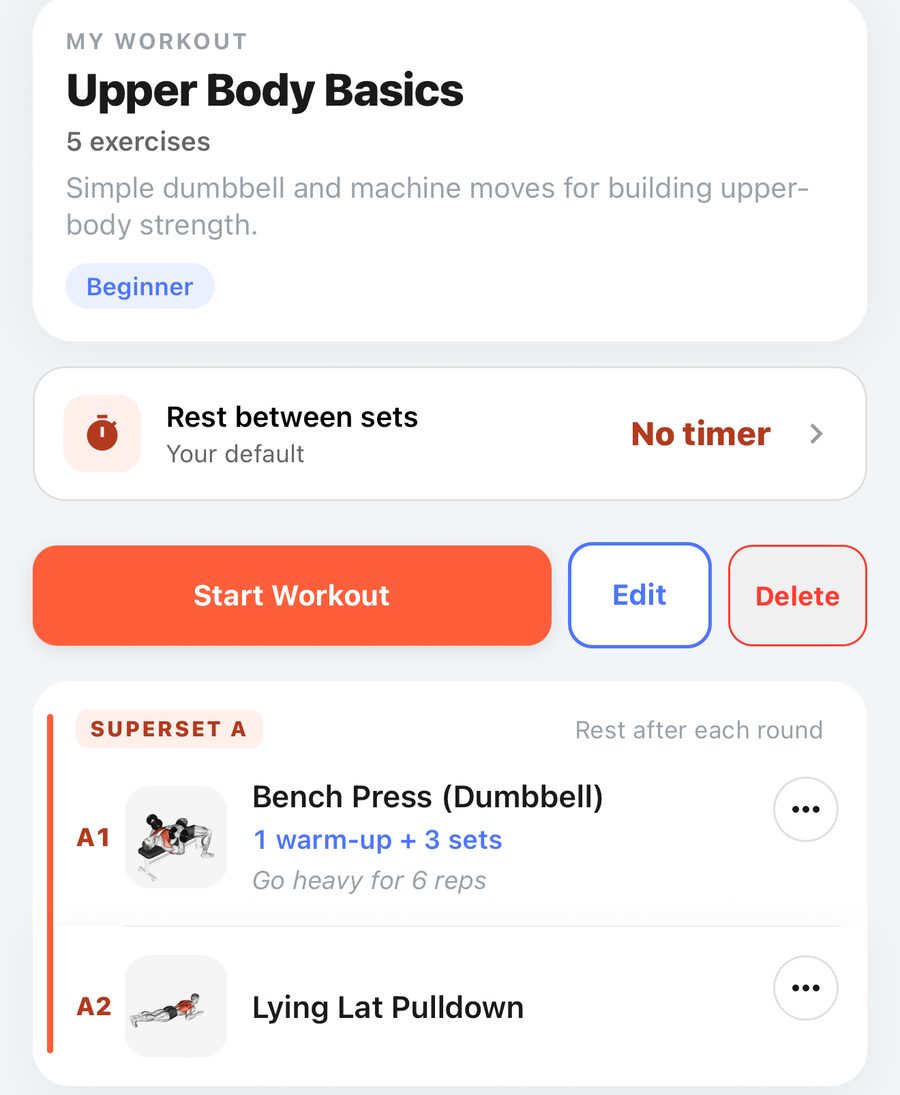
- Go to Workouts and tap + Create, then Workout.
- Give it a name and add your exercises. Search by name or use Filters to pick by muscle or equipment.
- Tap ••• on an exercise to:
- Set targets: how many sets, and the weight and reps you are aiming for. A rep range like 8-10 is fine.
- Add a note (for example "slow on the way down").
- Superset with… another exercise (see Supersets).
- Replace, move or remove the exercise.
- Optionally set the Rest between sets for this workout (see Rest timer).
- Save. It appears under My Workouts and in Quick start on Home.
Using a PRUV template: open it from PRUV TEMPLATES to see the plan. To change anything, save it to My Workouts first; your copy is then fully editable.
Free and Pro: the free plan keeps 3 saved workouts. PRUV Pro has no limit. If you were on Pro and go back to free, nothing is deleted: your oldest three stay usable and the rest are shown with a lock.
Still stuck? Email info@pruvapp.com